
Website types
The type of website you choose affects how your site looks and which rules you need to follow, such as colors, fonts, and layout. On this page, you can read about the university’s different kinds of websites and guidance on when to choose each type.
Not sure which website type to choose?
Choose a Corporate-identity website if Utrecht University is the main organisation.
Choose a partnership website if the project is a collaboration with other organisations.
Choose a non-UU website if you want to follow your own style while still representing Utrecht University.
Corporate-identity website
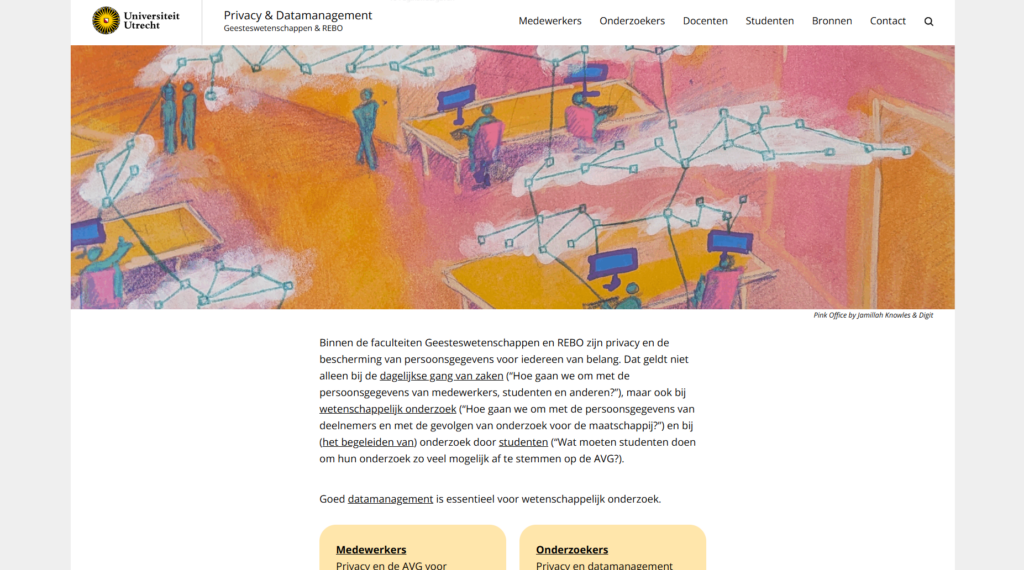
These websites comply with the university’s style identity guidelines. When building a website, these guidelines are applied automatically. Nevertheless always check that the style has been implemented correctly at style guidelines.
Example
Partner websites
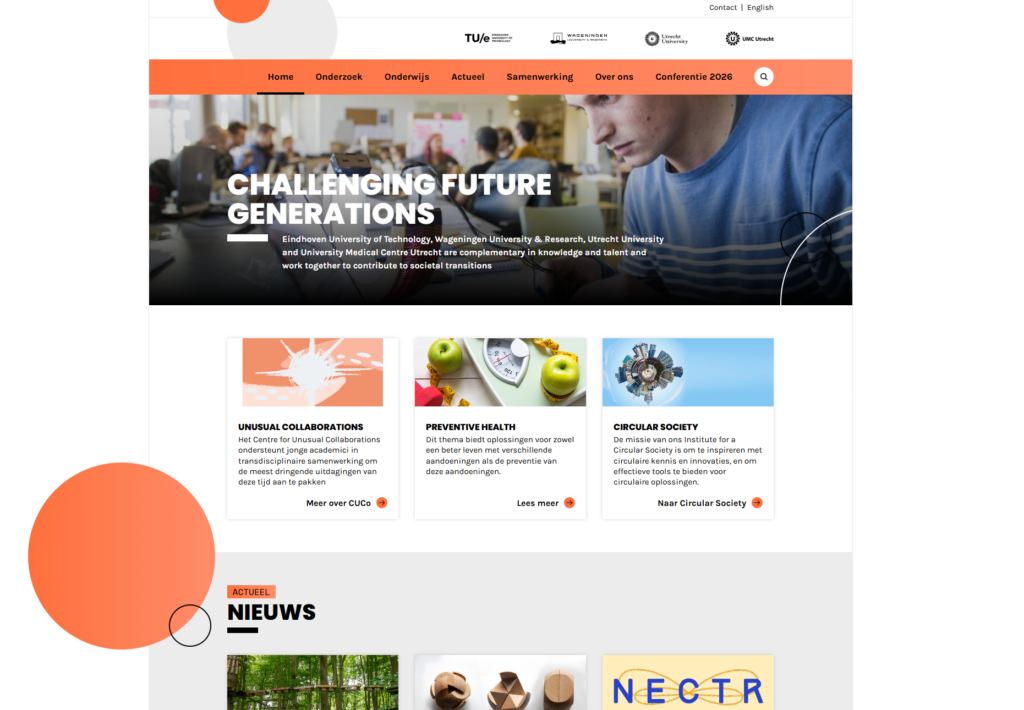
Utrecht University regularly collaborates with partners. Websites may be created for these collaborations or projects, but they must always comply with the following guidelines.
Example
Non University’s brand websites
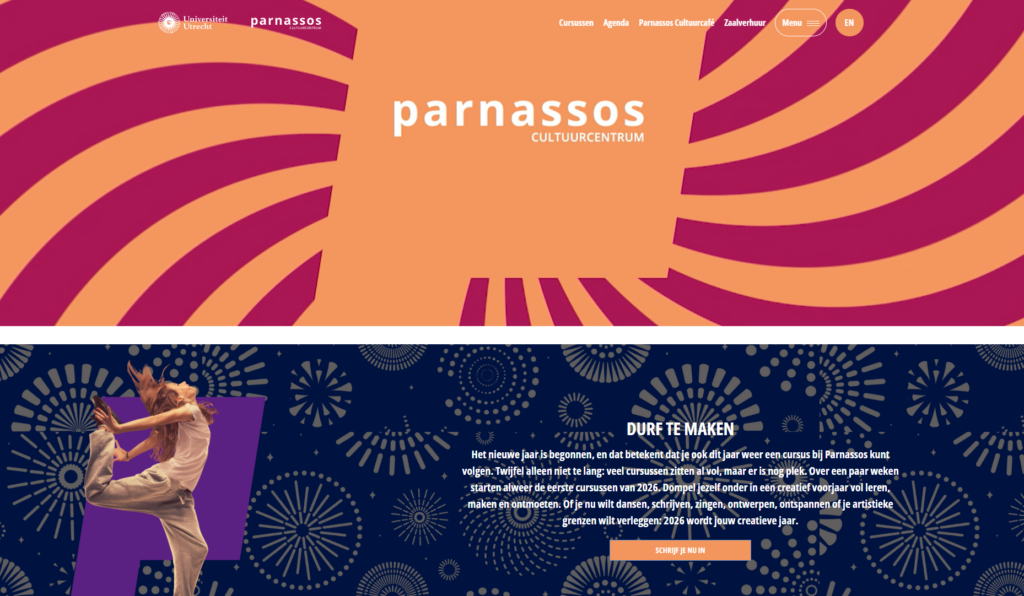
These are websites where you can use your own style and ideas. You don’t have to follow a corporate style. The system offers the option to use your own colors and fonts.
Example
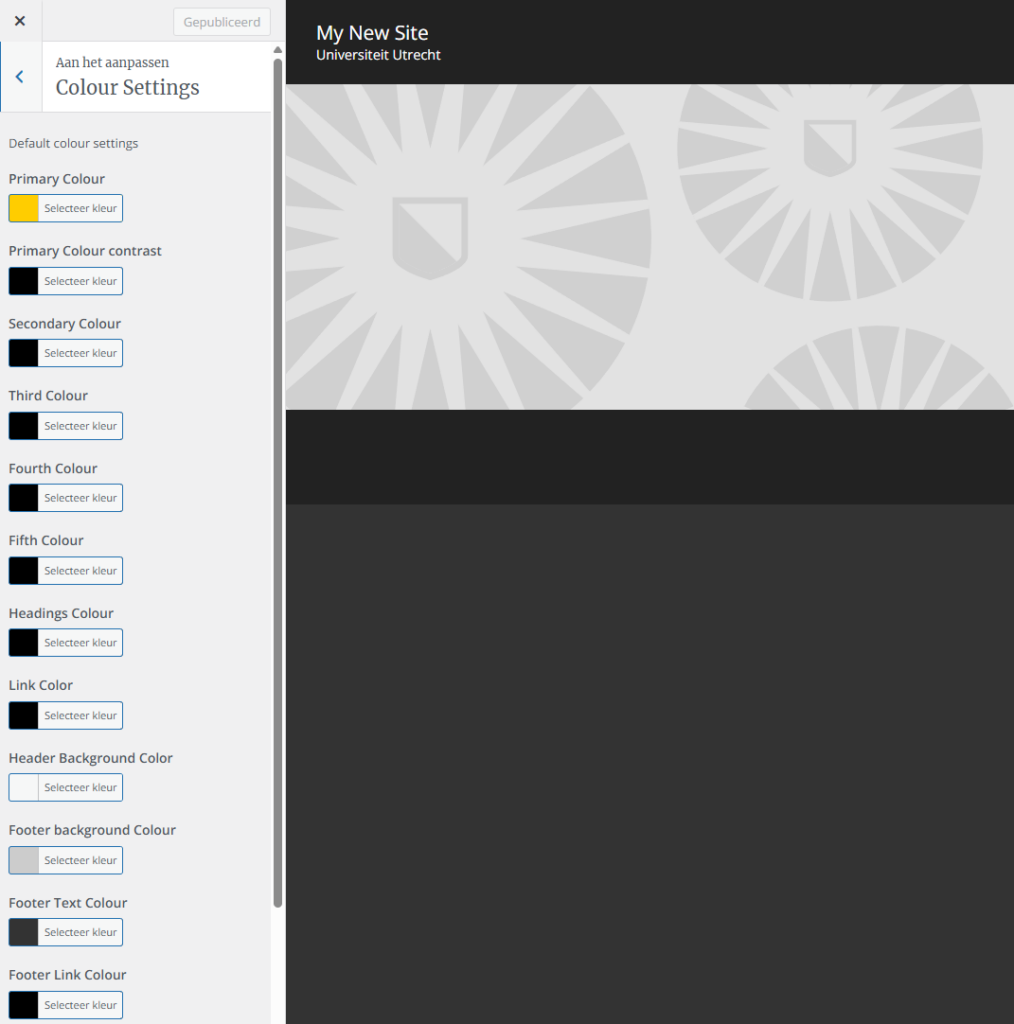
Theme colors
Theme colors are preset colors in your website theme that control the look of your site. When you change a theme color, it automatically updates all parts of the sites that use that color, like buttons, headings, links, and backgrounds.
How to activate theme colors?
Please contact your key user if you would like to activate the color options.
Colors
In WordPress, you can set a color per element type in Colors. For example, if you change the Buttons color to a hex code like #FF6600, all buttons on your website will automatically use that same color. This lets you update all elements of the same type at once.
More information
Would you like to learn more? Please read the following support pages