
Starting with WordPress
An empty website
Your new website will look quite empty once it has been made and it will either look like the images below:
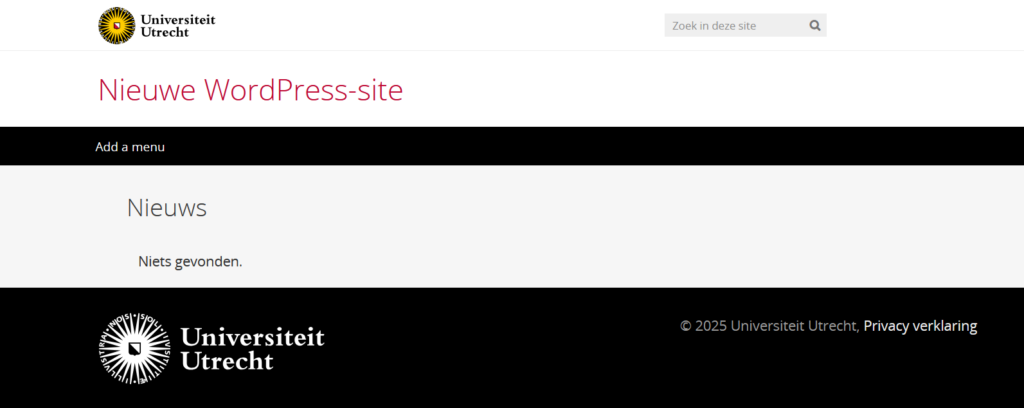
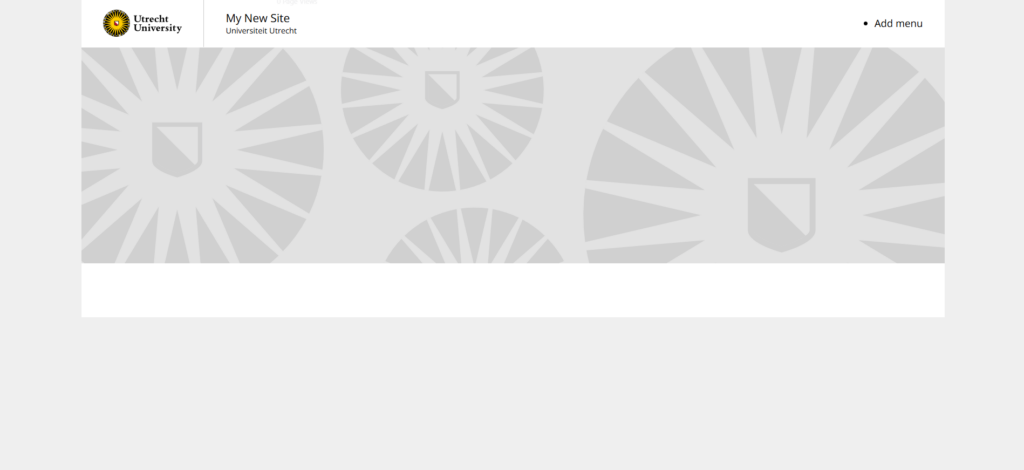
Now you need to fill it with content. How do you start?
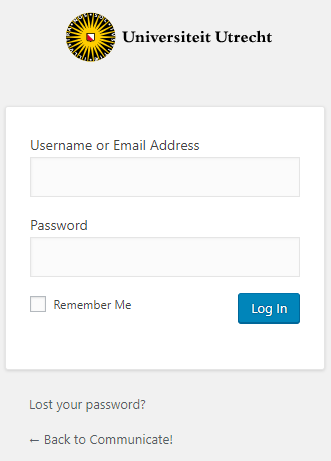
Log in
Go to [yoursite.nl]/wp-admin and fill in your username and password. Visit this manual if you run into trouble.
WordPress Menu
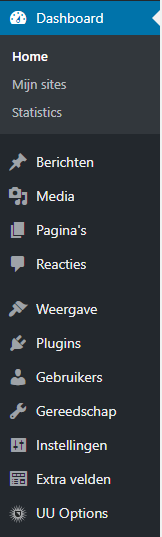
On the left side you will see the WordPress toolbar. In this toolbar you will find everything that you can use to build your site.
What is visible in this menu also depends on which plugins are installed/activated on the site. If you are missing a functionality then you can ask the managing editor of your faculty to add that plugin.
You can find a list of the Managing editors on the intranet: https://intranet.uu.nl/en/knowledgebase/managing-editors-websites
You can also find here information about about web-editing and other manuals related to UU-websites: https://intranet.uu.nl/en/knowledgebase/websites-and-web-editing