
Design
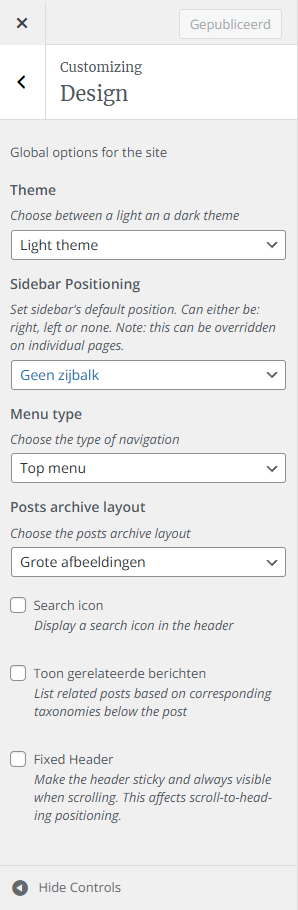
In the Design section of the Customizer you will find several options that allow you to change the look and feel of the site aswell as to add functionalities to it.
Theme
Sidebar Positioning
Menu Type
Post Archive Layout
Additional Options
Theme
Change the site to a Light or Dark theme.
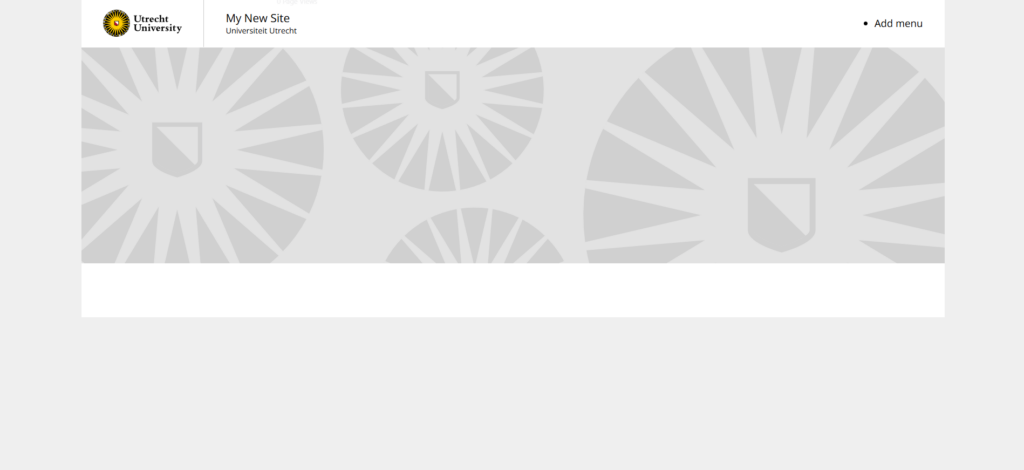
Light theme helps in bright environments for superior readability and focus, making them ideal for daytime use and long texts.
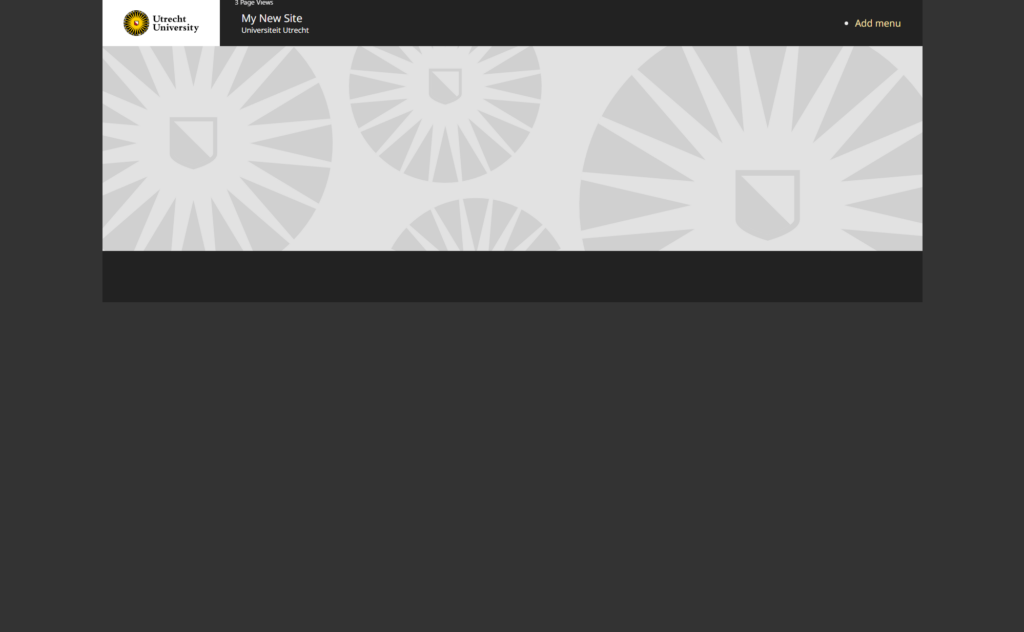
Dark theme reduce glare, save battery (especially on OLED screens), and decrease eye strain in low-light settings, improving sleep quality and comfort at night, but can hinder long-form reading for some users.
Sidebar Positioning
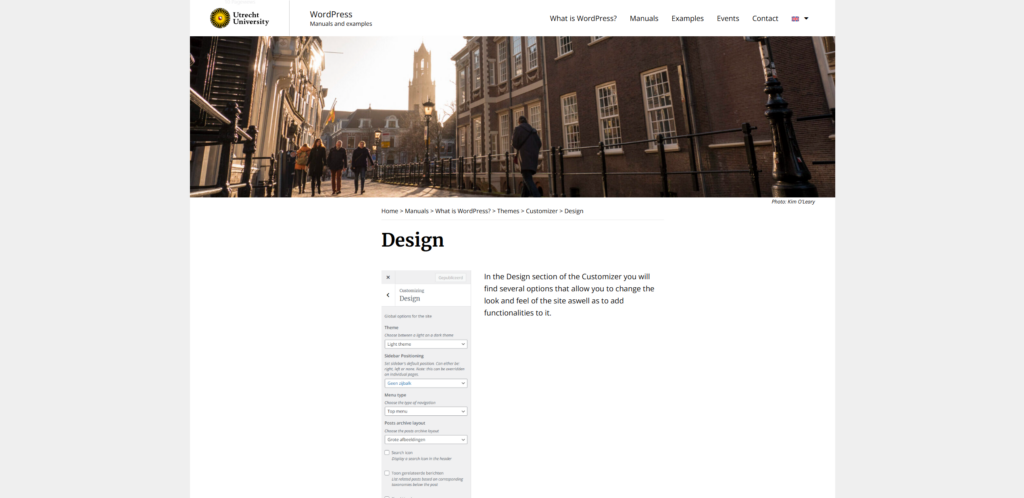
No Sidebar to keep the site at Full-width and let users navigate the site using the main menu at the top.
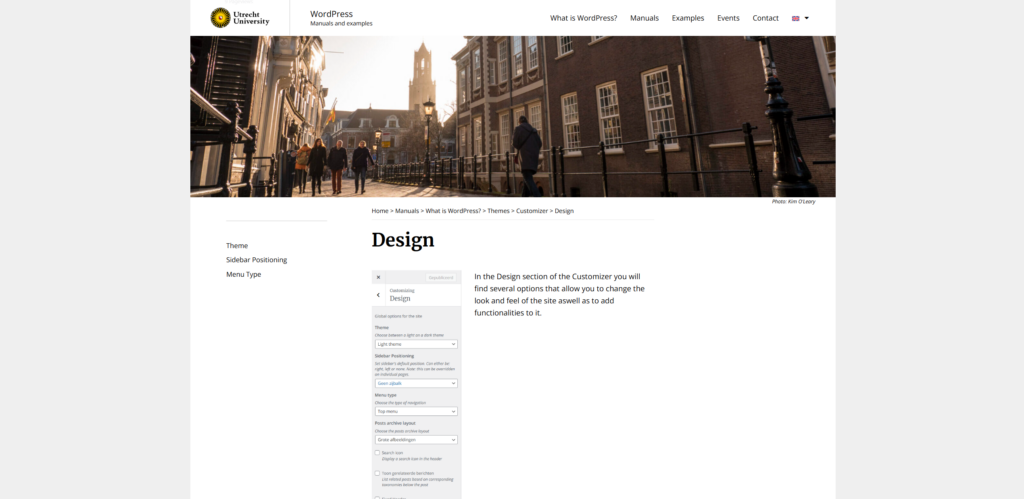
Left or Right Sidebar places a sidebar on the left or right side throughout the whole site.
Menu Type
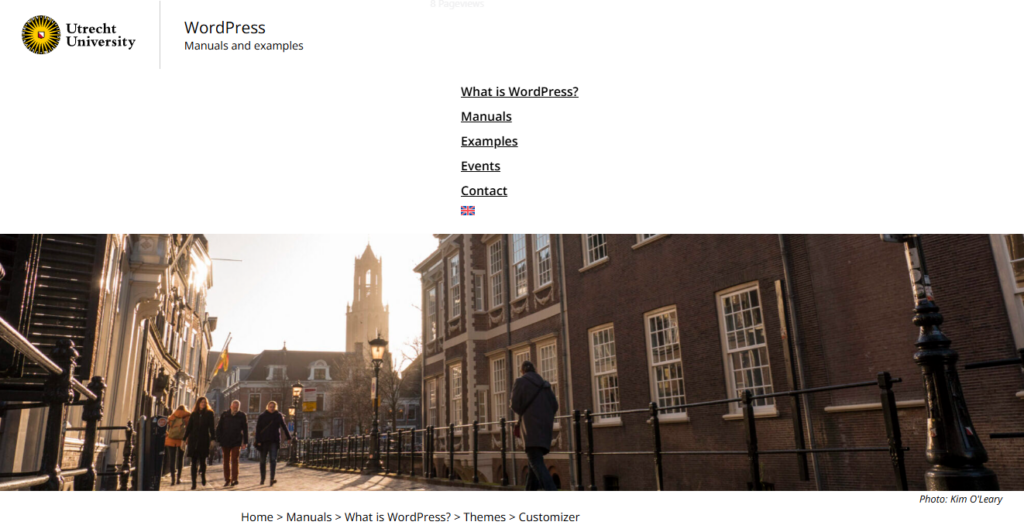
Navbar is a small menu bar at the top of the site which is the standard bar used for the UU2014 theme. The banner of the site is above the menu. The menu allows for a dropdown menu to be used.
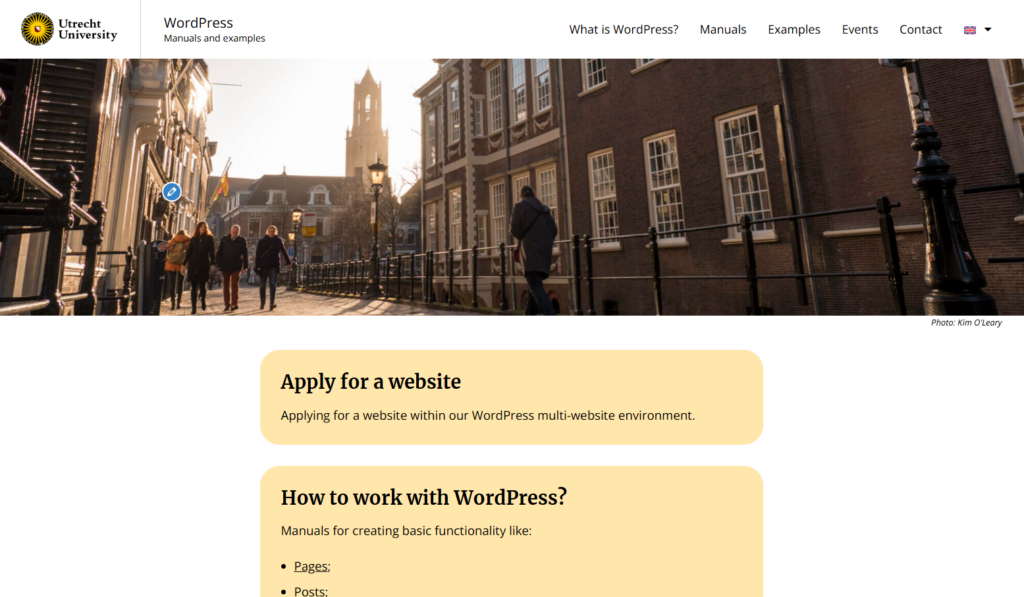
Top menu is the standard menu used in the UU-Drift theme, which consists of bigger menu buttons. If a banner is used on the site then it is below the menu. The menu allows for a dropdown menu to be used.
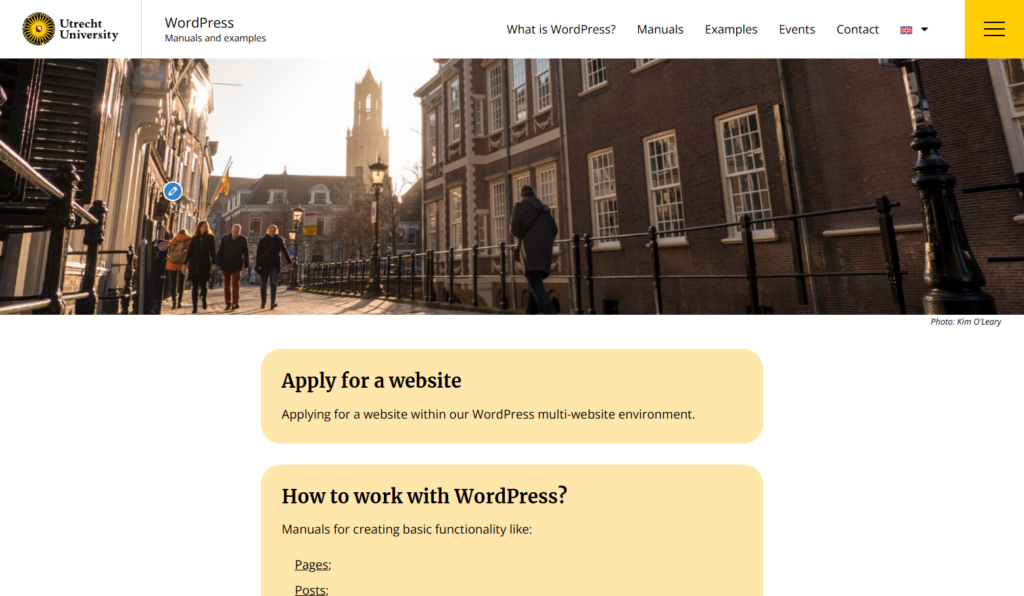
Top menu and Hamburger menu has the same design as described above but has the hamburger menu button to the right side of it as an additional option to click.
This menu type can be handy if you want more than e.a.: five menu items in your menu, but don’t want them all visible straight away to keep the site as neath as possible. Both menus allow for a dropdown menu to be used.
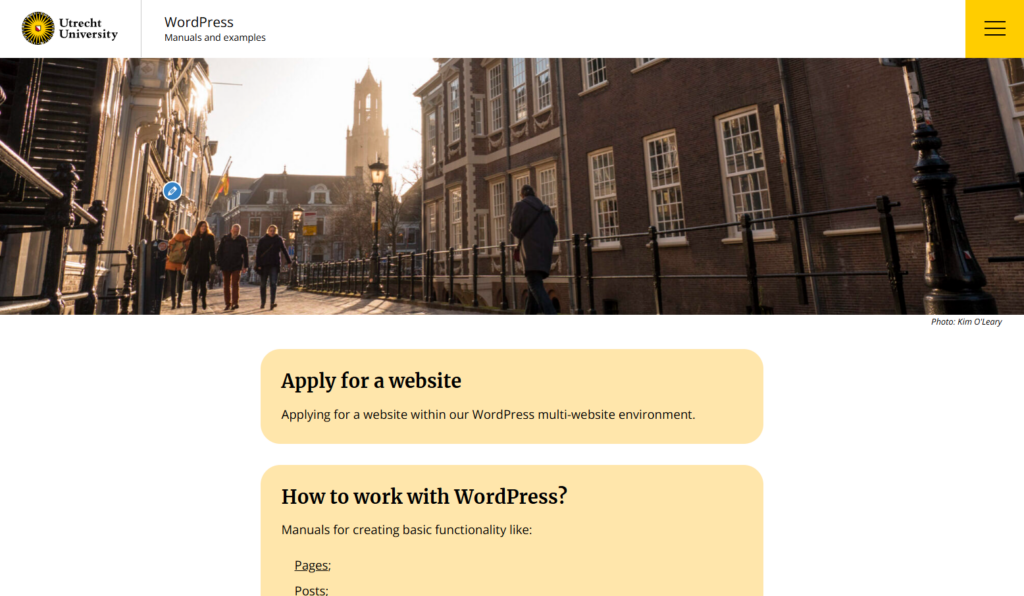
Hamburger menu only shows only the hamburger menu button on the right side at the top of the pages. Which extends the moment it is clicked and shows a vertical menu. The menu allows for a dropdown menu to be used.
Post Archive Layout
This dropdown menu gives you three choices for the layout of Archive Pages:
Big images, Small images and 3 columns.
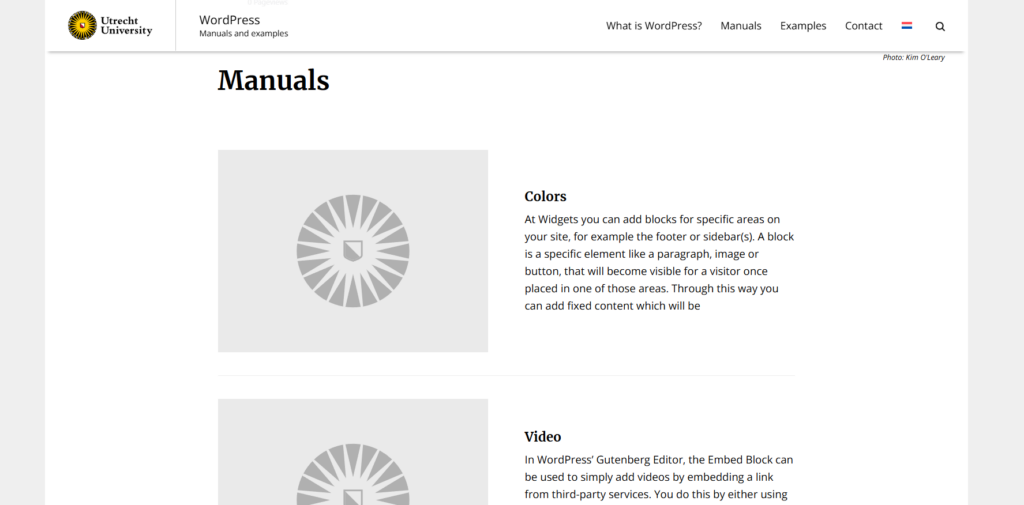
Big images
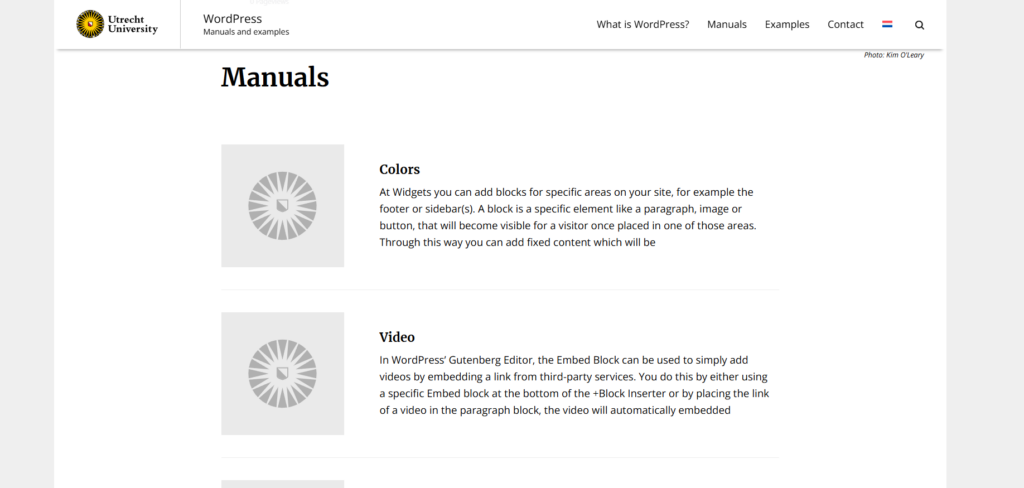
Small images
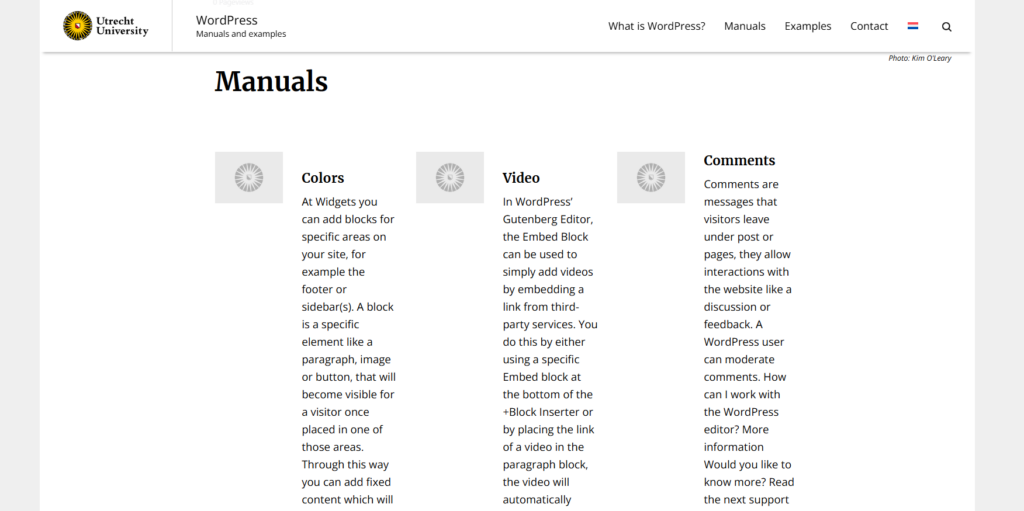
3 columns
Additional Options
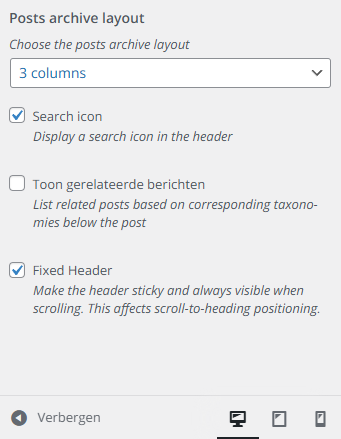
Search icon
Show a search icon in the top menu when selected.
Show related posts
When checked it shows related posts below the content of a Post.
Fixed Header
If checked the menu bar will stick to the top of the page when scrolling down.