
Header image
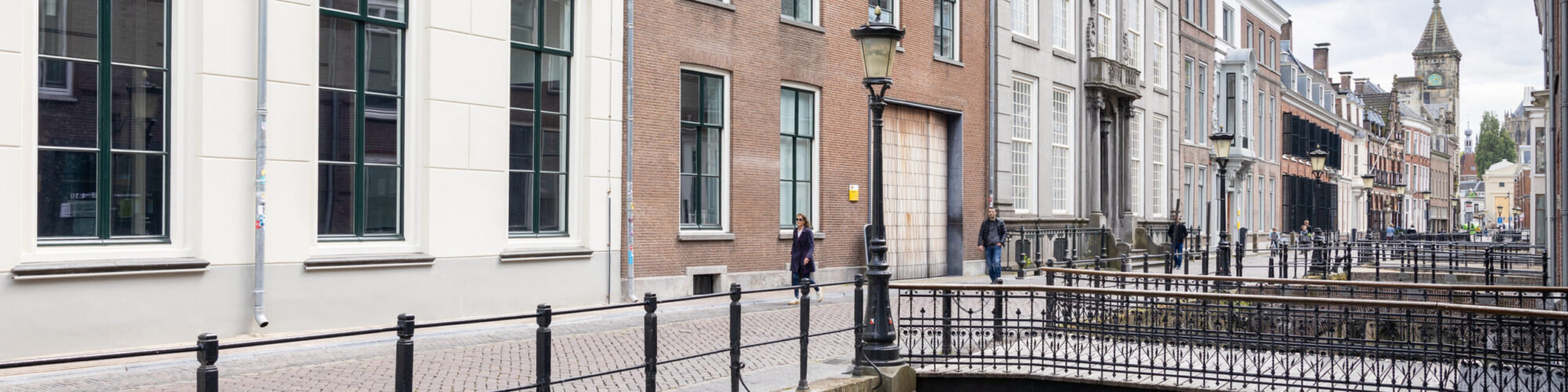
The header image is at the top of a website inside the header that personalizes the website and gives a first impression to a visitor. You can add a different image for the homepage and a featured image for all the other pages. In this guide, you will learn how to access and edit your site’s header.
How to edit the header image?
- Log in on the site.
- Go to the front of the site
- Click on Customize.
- Click on Header image.
Featured Image
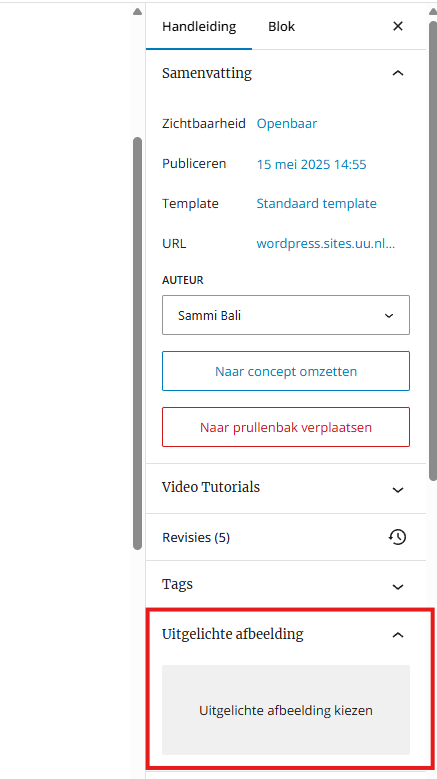
The Featured Image is WordPress’ name for the header image for an individual Page or Post.
An image should have a minimum width of 1600 pixels to engulf the entire width of the page or post.
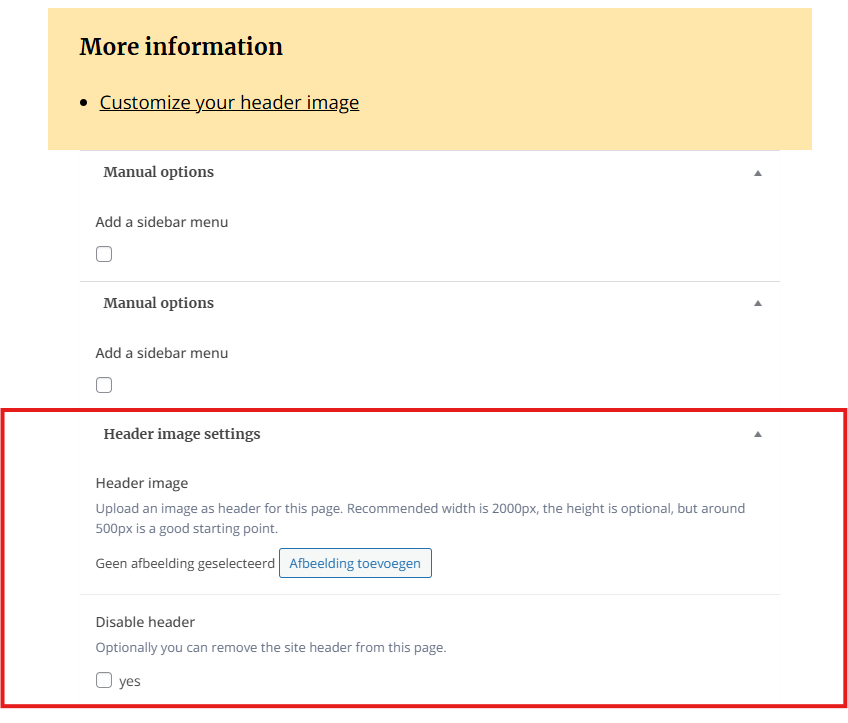
You can also add an image header in the Custom Field settings at the bottom of Pages or Posts.
You also have the option disable it entirely, which is usefull when you have a single banner throughout your entire site and want to turn it off on that page.